
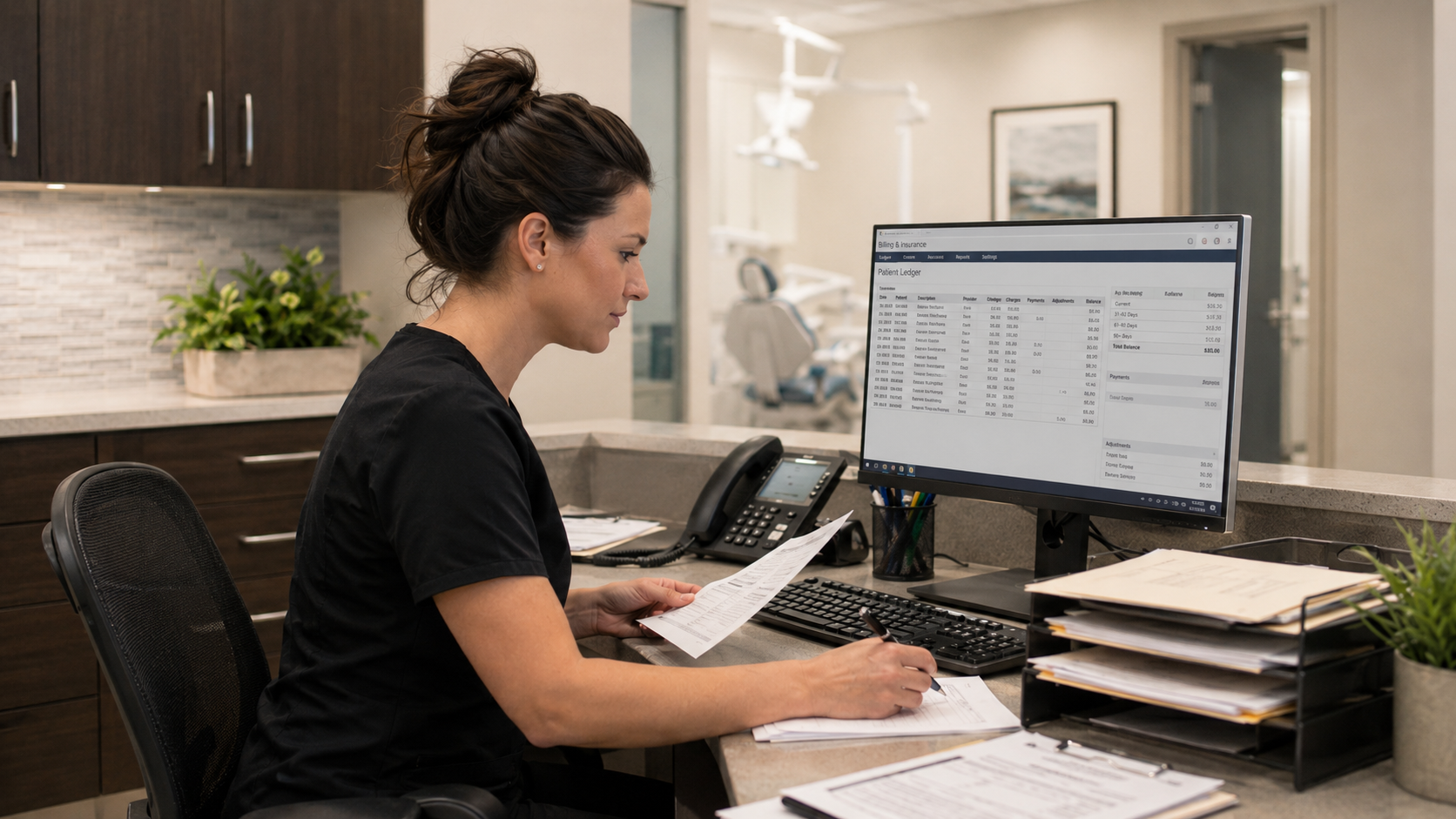
Dental office managers do far more than manage the appointment book.
They coordinate patients, providers, schedules, payments, staff, treatment follow-up, reporting, communication, and countless unexpected issues throughout the day.
The dental software they use should reflect that reality.
While scheduling is essential, effective dental practice management software should also help office managers answer three important questions:
What is happening in the practice?
What needs attention?
What should our team do next?
That requires much more than a calendar.
What does a dental office manager need from practice management software?
A dental office manager needs software that supports the entire administrative workflow of a clinic, including scheduling, patient communication, recall, treatment follow-up, financial visibility, reporting, and practice performance monitoring.
The software should reduce manual work, make important information easier to find, and help the office manager identify problems before they affect the practice.
In practical terms, that means the system should help manage the practice, not simply record activity.
Scheduling is only the beginning
The appointment book may be the most visible part of dental practice management software.
But an appointment does not exist in isolation.
Behind every appointment are questions such as:
- Has the patient confirmed?
- Is their information current?
- What treatment is planned?
- Is there an outstanding balance?
- Do they need another appointment?
- Are they overdue for recall?
- Is there unscheduled treatment?
- Are there gaps elsewhere in the schedule?
If an office manager needs to search through several screens or separate systems to answer these questions, scheduling becomes more complicated than it needs to be.
The strongest dental software connects the appointment book with the wider patient and practice workflow.
1. Office managers need visibility into scheduling gaps
A full appointment book does not necessarily mean an optimized schedule.
One day may be full while another has significant gaps.
There may be recurring openings at particular times, problems with cancellations, or underused provider capacity that is difficult to recognize from a quick look at the calendar.
Dental software should help office managers understand scheduling patterns, not simply display appointments.
Useful questions include:
Where are our gaps occurring?
Are certain providers consistently underbooked?
How frequently are appointments cancelled?
Do we have appropriate patients we can contact to fill an opening?
When scheduling information connects with patient information, the team has more options for taking action.
2. Recall should be easy to manage
Recall is one of the most important ongoing workflows in a dental practice.
Yet in many clinics, recall management becomes a combination of reports, manual lists, phone calls, spreadsheets, sticky notes, and individual staff memory.
Office managers need a clear way to understand:
- Which patients are due
- Which patients are overdue
- Who has already been contacted
- Who needs another attempt
- Who has scheduled
- Who has become inactive
The system should make it easy to move from identifying an overdue patient to taking action.
Otherwise, recall becomes another administrative project that competes with everything happening at the front desk.
3. Patient communication should connect to patient information
Communication is part of almost every stage of the patient journey.
Dental teams send appointment confirmations, reminders, follow-ups, recall messages, treatment communication, and practice updates.
When communication tools sit outside the practice management system, staff may need to repeatedly transfer information between systems.
Office managers should consider whether their software can support communication in the context of the patient’s actual relationship with the practice.
For example:
A patient with an appointment tomorrow needs a reminder.
A patient overdue for recall needs a different message.
A patient who has not returned in two years may need a reactivation sequence.
These are different conversations.
The software should make it easier to identify the right patient and the right next step.
4. Treatment plans should not disappear after the patient leaves
A patient may leave the practice with recommended treatment but without scheduling it.
What happens next?
If the answer depends entirely on someone remembering to follow up, valuable treatment opportunities can easily be missed.
Dental software should help office managers understand:
- Which treatment plans remain unscheduled
- How long they have been outstanding
- Whether follow-up has occurred
- Which patients may need another conversation
- Where treatment is within the planning process
This allows the practice to create a consistent follow-up process rather than relying on memory.
It also provides a better experience for patients who may have intended to proceed but simply became busy or forgot.
5. Office managers need financial visibility
Office managers frequently need to understand the financial health of the practice without becoming accountants or data analysts.
That can include questions about:
- Production
- Collections
- Outstanding balances
- Insurance payments
- Procedure mix
- Revenue cycle activity
The challenge is often not a lack of data.
It is finding the relevant data and turning it into something useful.
A practice management system should make common financial questions easier to answer without requiring the office manager to export information into spreadsheets every time management asks for an update.
6. Reporting should answer questions, not create more work
Traditional reporting often requires managers to know which report to run, where to find it, what filters to apply, and how to interpret the result.
That can work when someone needs one specific number.
It is less useful when the question is broader:
How is the practice doing?
Office managers need reporting that helps them understand performance across several areas.
For example:
| Area | Questions an office manager may need answered |
|---|---|
| Schedule | Where are the gaps? |
| Patients | Are active patients returning? |
| Recall | How many patients are overdue? |
| Treatment | Are treatment plans moving forward? |
| Production | What is driving production? |
| Revenue cycle | Where are financial bottlenecks? |
Instead of treating these as completely separate questions, modern dental software can help managers see how they relate.
7. Analytics should show where to look first
More data does not always make management easier.
A dashboard containing dozens of numbers can still leave an office manager wondering:
Which one matters today?
This is where analytics becomes more useful when it moves beyond displaying information.
Predictive analytics can help identify areas that may require attention so managers know where to investigate first.
For example, rather than expecting an office manager to manually review every possible performance measure, the software can surface a potential concern related to scheduling, patients, treatment, or another area.
The manager still makes the decision.
The technology helps narrow the search.
This is particularly valuable in a busy dental practice where there may be hundreds of competing priorities.
8. Office managers need fewer disconnected tools
One of the biggest hidden challenges in dental operations is software fragmentation.
A practice may have:
- Practice management software
- A communication platform
- Analytics software
- A reporting tool
- Separate administrative tools
- Spreadsheets created to fill gaps between systems
Each tool may be useful.
But every additional system creates another login, another source of information, another workflow to learn, and another potential disconnect.
Office managers often become the people responsible for making all of those systems work together.
When evaluating technology, it is therefore useful to ask:
Does this solve a genuinely new problem, or does our existing practice management software already have the ability to solve it?
A more comprehensive platform can simplify the technology environment and reduce the amount of manual coordination required from the office manager.
9. Software should help teams standardize processes
Every dental practice develops routines.
Problems arise when those routines exist only in individual employees’ heads.
For example:
One employee knows how to follow up with overdue patients.
Another knows which report to run every Friday.
Someone else keeps a private spreadsheet of unscheduled treatment plans.
When that employee is away, the process slows down.
Good dental software can help turn important workflows into repeatable processes.
The objective is not to remove employee judgment.
It is to make the practice less dependent on one person remembering every step.
10. Access to information should be simple
Office managers frequently move between different types of work throughout the day.
One moment they may be dealing with a scheduling issue.
Five minutes later they may need to review an account.
Then a provider asks about a patient.
Then the owner wants a performance number.
Software should make those transitions easier.
Important information should be accessible without forcing staff to navigate through unnecessary screens or search through unrelated sections of the system.
A well-designed workflow reduces small amounts of friction throughout the day.
Those small improvements add up.
11. Office managers need reliable support
When software sits at the centre of the practice, office managers often become the first people staff approach when something goes wrong.
But the office manager should not also be expected to become the clinic’s software technician.
Reliable vendor support matters.
Office managers should know:
- How to contact support
- Whether they can speak with a real person
- Whether there are limits on assistance
- Whether the support team understands dental workflows
- Whether training resources are available
- How new staff can learn the software
Strong support reduces the amount of technical problem-solving that falls back onto the office manager.
12. The best software gives office managers time back
Dental office managers do not need more dashboards simply because dashboards exist.
They need technology that reduces the number of tasks requiring manual attention.
That could mean:
Less time finding information.
Less time switching between systems.
Less time compiling reports.
Less time manually identifying overdue patients.
Less time searching for unscheduled treatment.
Less time trying to understand why the schedule has gaps.
The result is more time for the work that requires an experienced office manager’s judgment, communication, and leadership.
What should dental office management software include?
At a minimum, office managers should evaluate whether the platform can support:
- Appointment and provider scheduling
- Patient information management
- Recall and patient reactivation
- Patient communication
- Treatment plan follow-up
- Billing and account workflows
- Reporting and analytics
- Practice performance monitoring
- Staff access and permissions
- Training and ongoing support
The exact requirements will vary from one dental practice to another.
The important question is whether the software supports the office manager’s complete workflow rather than only one piece of it.
Move beyond scheduling with Paradigm
Paradigm is designed to help dental teams manage more of the practice from a connected platform.
Alongside appointment management, Paradigm supports clinical charting, treatment planning, patient communication, reporting, and practice performance insights.
Its built-in predictive analytics gives managers visibility across key areas of the clinic and can help highlight where attention may be needed.
That means an office manager can move beyond simply asking what is on the schedule today and begin answering a much more important question:
What does our practice need us to focus on next?
See how Paradigm can help simplify the day-to-day management of your dental practice. Book a demo with our team.