
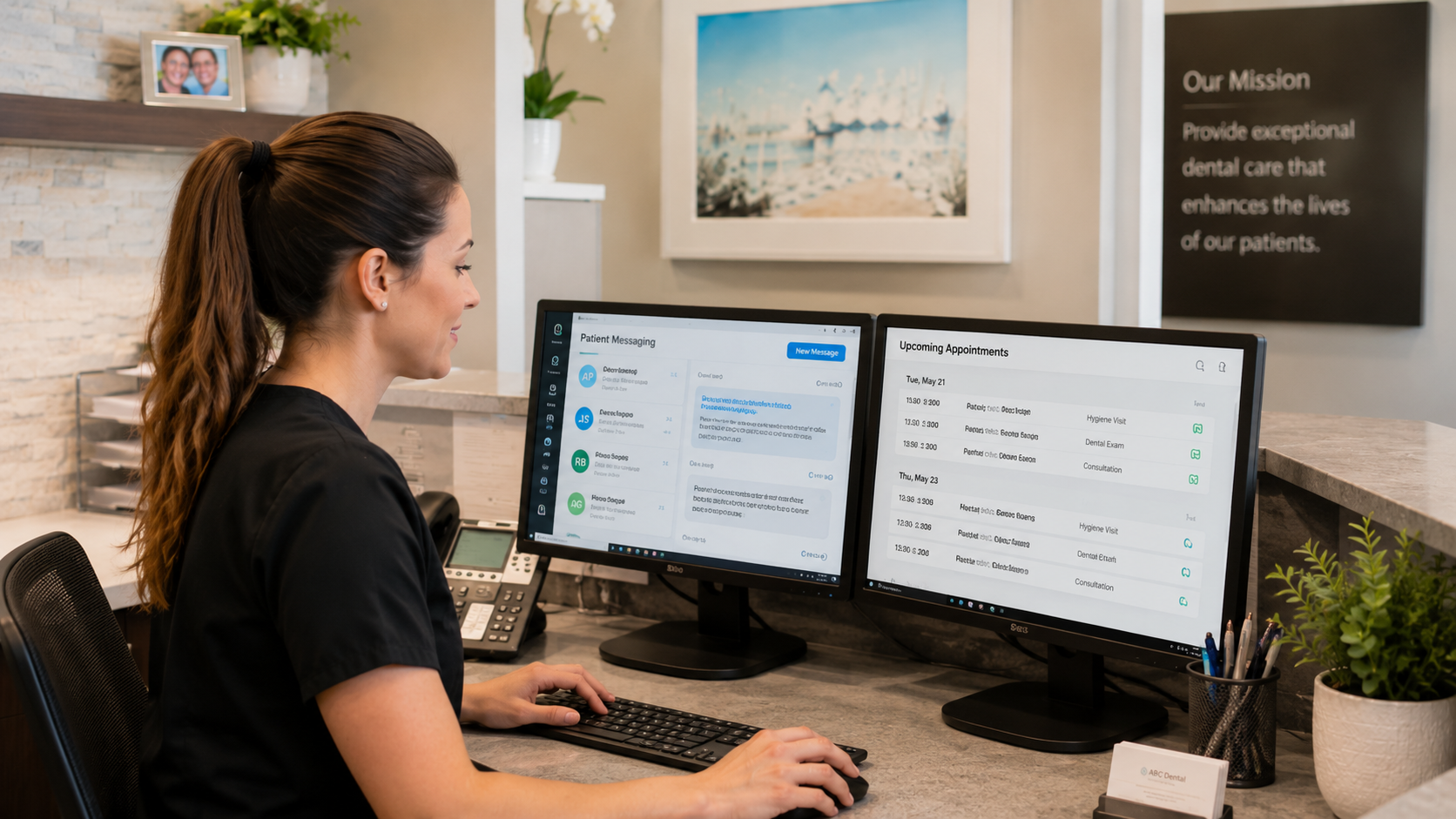
Dental practice automation can help clinics reduce repetitive administrative work while allowing front desk teams to spend more time on patients, problem-solving and the responsibilities that require human judgement.
Dental offices contain hundreds of small recurring tasks.
Appointments need to be managed.
Patients need reminders.
Recall lists need attention.
Insurance payments need to be posted.
Reports need to be reviewed.
Treatment plans require follow-up.
Individually, each task may appear manageable.
Together, they can consume much of an office manager’s day.
The purpose of automation should not be to remove people from the dental practice.
It should be to remove unnecessary work from people.
What is dental practice automation?
Dental practice automation is the use of software to complete, trigger, organize or simplify repetitive workflows that would otherwise require manual staff effort.
Examples can include:
- Appointment reminders
- Patient communication
- Recall workflows
- Insurance payment posting
- Reporting
- Practice analytics
- Follow-up processes
- Workflow notifications
- Routine administrative actions
The best dental practice automation generally shares three characteristics.
The workflow happens frequently.
The steps are relatively predictable.
And employees currently spend meaningful time performing them manually.
Why dental clinics accumulate administrative work
Dental offices are highly interruption-driven environments.
A front desk employee might begin processing insurance payments.
The phone rings.
A patient arrives.
A provider asks a question.
A cancellation appears.
Another patient needs help understanding an account.
Twenty minutes later, the original task is still waiting.
This is not necessarily poor time management.
It is the nature of the environment.
Dental practice automation can help because software does not need an uninterrupted afternoon to perform a predictable background task.
The more routine work the system can handle, the more capacity the front desk has for unpredictable work.
What should dental practices automate first?
Do not begin with the question:
“What can AI automate?”
Begin with:
“What does our team repeatedly do manually?”
Look for processes that are:
High volume
Repeatable
Time consuming
Low judgement
A task that takes two minutes but happens 150 times may be a better automation opportunity than a task that takes 30 minutes once per month.
1. Automate routine patient communication
Dental teams send many types of communication.
Appointment confirmations.
Reminders.
Recall messages.
Follow-ups.
Practice updates.
Manually sending every routine message would require enormous staff time.
Automation can trigger appropriate communication based on defined events.
For example:
Appointment approaching → reminder
Patient becomes due → recall communication
Appointment changed → updated confirmation
The Canadian Dental Association provides patient communication resources emphasizing the importance of effective communication throughout the patient relationship.
Canadian Dental Association patient communication guides
Automation can support this communication.
It should not eliminate thoughtful human interaction when a situation requires it.
2. Automate parts of recall
Recall is particularly suited to structured automation.
Without a system, employees may manually:
Run a report.
Build a list.
Determine who is overdue.
Send messages.
Record contact attempts.
Schedule appointments.
Repeat next month.
Automation can reduce the repetitive portions.
The practice still needs a clear recall strategy.
But software can help identify patients, trigger routine communication and organize follow-up.
This makes dental practice automation useful for patient retention as well as administrative efficiency.
3. Automate insurance payment posting
Insurance payment posting is one of the clearest examples of automation removing administrative work.
Canadian dental practices already operate within an electronic claims environment through services such as CDA’s CDAnet and ITRANS. CDA describes these as secure electronic claims services used by Canadian dentists to submit benefit claims to claims processors.
Canadian Dental Association: CDAnet and ITRANS
But electronically submitting a claim does not necessarily remove the work involved later when insurance payments need to be reflected in patient accounts.
AI can help automate routine payment posting.
The workflow moves from employees touching every transaction toward employees reviewing only those transactions that require attention.
4. Automate information prioritization
Automation does not always mean automatically completing a task.
Sometimes the most useful automation is determining what needs attention.
Office managers frequently need to review:
- Scheduling
- Recall
- Treatment plans
- Production
- Patients
- Financial activity
Traditionally, the manager decides which reports to inspect.
Predictive analytics can help automatically surface areas that deserve investigation.
This is a different kind of dental practice automation.
The software is automating part of the analytical search process.
The office manager remains responsible for understanding the context and deciding what to do.
5. Automate routine reporting
If an office manager performs the same reporting process every week, ask whether parts of it can be automated.
Consider the manual workflow:
Open report.
Choose date range.
Export file.
Open spreadsheet.
Copy numbers.
Create summary.
Compare with last period.
A connected analytics dashboard may remove several of these steps entirely.
The information remains available continuously rather than being manually rebuilt.
This is especially useful when practice owners want frequent visibility into performance.
6. Automate without automating the patient relationship
There are tasks dental practices should approach very differently.
A patient upset about treatment should not receive a robotic workflow because it is convenient.
A complicated account may need a conversation.
An anxious patient may need reassurance from a person.
A clinician discussing treatment needs professional judgement and empathy.
Dental practice automation works best behind the scenes.
Patients should experience:
- Faster service
- Better organization
- More consistent communication
- Fewer administrative errors
They should not feel that the practice has become impersonal.
A useful rule: automate the process around the conversation
Consider appointment cancellation.
Software can automatically record the cancellation.
It can help identify open time.
It can help surface patients who may need appointments.
But when an employee calls a patient to offer an earlier appointment, that interaction can remain human.
Similarly:
Automation can identify overdue patients.
Humans can handle unusual situations.
Automation can post routine insurance payments.
Humans can handle discrepancies.
This approach preserves the strengths of both technology and people.
Privacy matters when workflows are automated
Automation frequently depends on patient information.
Practices therefore need to consider how that information is handled.
Canada’s federal privacy regulator states that organizations subject to PIPEDA should protect personal information using safeguards appropriate to its sensitivity. Health and financial information are specifically examples of information generally considered sensitive.
Office of the Privacy Commissioner: Safeguarding personal information
Which law applies to a specific dental clinic may vary by province and circumstances.
Software selection should therefore include privacy and security questions rather than treating automation as purely an efficiency decision.
Dental practice automation should reduce your technology stack
There is a paradox in practice automation.
Clinics sometimes add so many tools designed to save time that managing the tools becomes another job.
One application handles communication.
Another handles analytics.
Another automates a small insurance workflow.
Another creates reports.
Another manages scheduling.
Every application requires:
- A login
- Training
- User permissions
- Data
- Support
- Updates
- Integration
At a certain point, automation creates fragmentation.
This is why practices should first examine what their core dental practice management software can support.
Adding a new application makes sense when the value exceeds the complexity it introduces.
Calculate the real value of automation
Do not evaluate automation only by subscription price.
Consider employee time.
Imagine a workflow takes 90 minutes each day.
Across approximately 20 working days, that is 30 hours each month.
If automation removes most of that activity, the practice is not simply buying software.
It is recovering administrative capacity.
The practice can redirect that capacity toward:
- Recall
- Patients
- Team management
- Scheduling
- Treatment follow-up
- Financial review
This is why small automation improvements can have a large operational impact.
What should remain manual?
A useful automation strategy also identifies tasks that should remain primarily human.
These include:
- Clinical decisions
- Sensitive patient conversations
- Complex financial disputes
- Employee coaching
- Difficult scheduling situations
- Exceptional insurance cases
- Patient complaints
- Judgement requiring context
The goal is not maximum automation.
It is appropriate automation.
Create an automation inventory
Office managers can identify opportunities using a simple exercise.
For one week, record repetitive administrative work.
For each task, capture:
How often does this happen?
How much time does it take?
Does every case follow similar steps?
Does it require judgement?
Is the information already inside our PMS?
Then rank opportunities.
A frequent, predictable task requiring minimal judgement is usually a stronger candidate than an occasional complex task.
A practical dental practice automation roadmap
Phase 1: Eliminate obvious repetitive work
Start with routine processes such as reminders or payment posting.
Phase 2: Connect workflows
Reduce manual movement of information between systems.
Phase 3: Improve management visibility
Use analytics instead of repeatedly building manual reports.
Phase 4: Add predictive intelligence
Help management identify where attention may be required.
Phase 5: Review outcomes
Ask whether employee workload actually decreased.
This last step matters.
Automation that employees constantly need to fix is not successful automation.
How to measure automation
Useful metrics might include:
- Administrative hours per week
- Manual insurance transactions
- Time spent creating reports
- Number of separate systems used
- Recall workload
- Outstanding administrative backlog
- Number of automated vs. exception transactions
- Staff satisfaction
- Response time to patients
The specific metric depends on the workflow.
What dental practice automation cannot fix
Automation will not repair a poorly defined process by itself.
If nobody owns treatment follow-up, software cannot create organizational clarity.
If a recall strategy does not exist, sending automated reminders alone may not solve the problem.
If staff do not trust the practice management system, adding more automation may increase resistance.
Processes and technology need to evolve together.
Modern dental software should do more work for the team
Traditional software waits for an employee to tell it what to do.
Modern practice management technology can become more proactive.
It can:
Identify.
Organize.
Prioritize.
Automate.
Alert.
The employee remains in control, but the software carries more of the administrative burden.
That is the direction in which dental practice automation becomes genuinely valuable.
Build a more automated practice with Paradigm
Paradigm is designed to support core dental workflows from one comprehensive practice management platform, including scheduling, clinical charting, treatment planning, patient workflows, reporting and analytics.
Paradigm’s predictive analytics helps management identify where attention may be needed instead of expecting office managers to manually search every report.
Paradigm AI Insurance uses AI to help automatically post insurance payments, removing another repetitive administrative task from the front desk.
The result is not automation for its own sake.
It is a practice where technology handles more of the repetitive work so your team can focus on the work only people can do.
See what a more connected, automated dental practice could look like with Paradigm. Book a demo with our team.
Frequently asked questions about dental practice automation
Dental practice automation uses software to reduce manual work in repeatable workflows such as communication, recall, reporting, insurance payment posting and analytics.
Start with frequent, predictable, time-consuming tasks that require limited human judgement.
No. Effective automation reduces repetitive work so staff can spend more time on patients, exceptions and management activities.
AI-supported systems can automate eligible insurance payment-posting workflows while allowing staff to handle exceptions.
Practices should evaluate privacy, security, permissions and data handling before automating workflows involving patient information.
The largest benefit is often recovered employee capacity rather than simply faster task completion.