
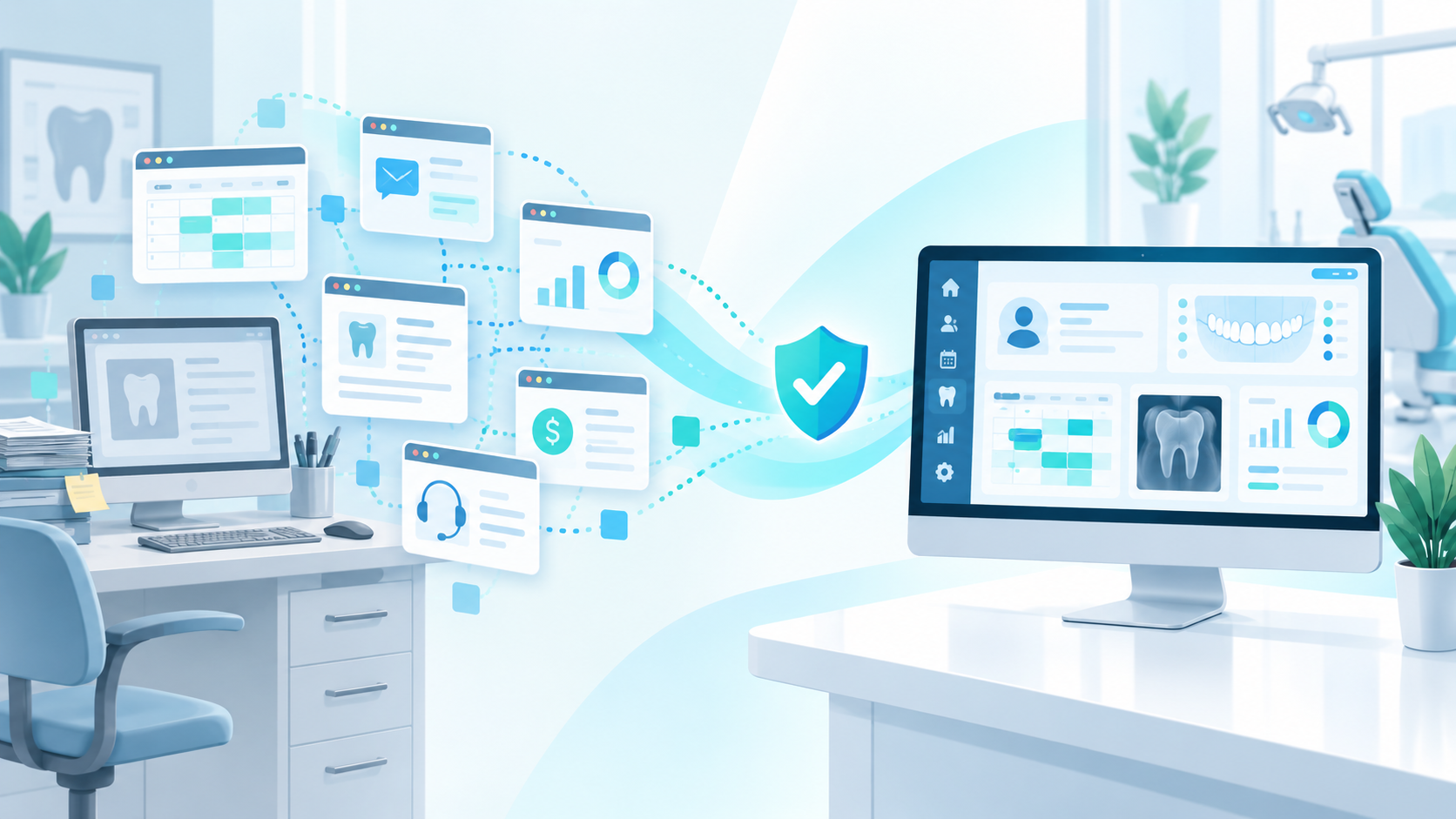
A dental practice management solution should do more than solve one isolated problem. It should bring the core workflows, technology, training and support required to run a dental clinic together so the practice is not constantly adding another piece of software every time a new need appears.
Modern dental practices have access to more technology than ever.
Need automated reminders?
There is software for that.
Need analytics?
There is another platform.
Need clinical notes?
Add an AI tool.
Need digital forms?
Add another application.
Need insurance automation?
Another subscription.
Each product may solve its individual problem well.
But after enough additions, the practice has not built a solution.
It has built a collection.
That distinction matters.
What is the difference between dental software and a dental practice management solution?
“Software” and “solution” are not formal technical categories.
In this article, the difference is practical.
Dental software can be a tool designed to perform a particular task.
A dental practice management solution is a broader system that combines the technology and services needed to support multiple connected areas of the practice.
That can include:
- Scheduling
- Patient records
- Clinical charting
- Treatment planning
- Billing
- Claims
- Patient communication
- Recall
- Forms
- Reporting
- Analytics
- AI tools
- Training
- Onboarding
- Data migration
- Technical support
- Ongoing development
The difference is not merely the number of features.
It is whether those capabilities are designed to work together.
The problem with solving every issue using another tool
Imagine a clinic starts with a basic PMS.
The scheduling works, but recall is difficult.
So the clinic buys a recall platform.
Then it wants better patient communication.
Another product is added.
Management wants analytics.
Another subscription.
Clinicians want faster documentation.
Add an AI scribe.
The front desk wants insurance automation.
Another application.
Eventually the practice has solved several individual problems.
But it has created a new problem:
software fragmentation.
Now staff need to know:
- Which application contains which information
- Which system is the source of truth
- Which passwords belong to which tool
- Whether integrations are working
- Whether data synced successfully
- Which company to contact when something breaks
That is where the concept of a dental practice management solution becomes important.
A complete solution considers the entire dental workflow
A patient does not experience the practice as separate software products.
Their journey is connected.
They book an appointment.
Their information enters the patient record.
The clinician reviews their history.
Treatment is charted.
A treatment plan may be created.
Billing follows.
Insurance may become involved.
The patient returns through recall.
The practice monitors performance.
The technology should reflect that connected journey.
A dental practice management solution should therefore make it easier for information to move through the workflow without employees manually rebuilding connections between separate tools.
Why interoperability matters
The broader Canadian healthcare system is increasingly focused on interoperability.
Canada Health Infoway describes interoperability as the ability for information to flow between different systems and notes that breaking down data silos can reduce inefficiencies and redundancies.
Canada Health Infoway: Interoperability
Dental practices experience the same underlying problem on a smaller scale.
When information exists in disconnected systems, employees compensate.
They copy.
Export.
Import.
Search.
Compare.
Re-enter.
A more connected dental practice management solution reduces those handoffs.
Software gives you a feature. A solution gives you a workflow.
Consider recall.
A standalone recall tool may provide reminders.
A broader solution can potentially connect:
Patient record → Recall status → Communication → Appointment → Reporting
Or consider treatment planning:
Clinical chart → Treatment plan → Scheduling → Billing → Analytics
The individual features matter.
The relationships between them matter even more.
Development should understand the complete product
One benefit of keeping major functionality within one product environment is that development decisions can consider how one area affects another.
A scheduling change may affect reporting.
A clinical feature may affect billing.
A new AI capability may need to work with the patient record.
When products are developed independently by several companies, each vendor optimizes its own part of the workflow.
That can still work.
But the dental clinic often becomes responsible for managing the connection.
With a more complete dental practice management solution, the product team can think about the workflow end to end.
Training should match the system staff actually use
Fragmented software also fragments training.
A new receptionist may need:
Training from the PMS provider.
A tutorial for the communication platform.
A separate onboarding call for forms.
Another login for analytics.
Documentation for the AI application.
Instructions for the insurance tool.
This creates cognitive load.
A solution approach makes it possible to train staff around workflows instead of applications.
For example:
Here is how we handle a new patient.
Here is how we manage recall.
Here is how treatment moves from chart to plan.
Here is how we review practice performance.
Training becomes closer to how the practice actually operates.
Support should not become detective work
One of the most frustrating situations in a fragmented technology stack happens when something stops working.
Vendor A says the problem is Vendor B’s integration.
Vendor B says its product is operating normally.
The clinic contacts the PMS provider.
The PMS provider points back to the integration.
Meanwhile, the office manager still has a problem.
A dental practice management solution can simplify support because more of the workflow belongs to the same product and support environment.
The question becomes less:
“Which vendor owns this?”
And more:
“Can you help us fix this workflow?”
Customization makes more sense when the vendor understands the practice
Dental practices are not identical.
A single-location general clinic has different needs from a group practice.
Provider structures differ.
Workflows differ.
Reporting priorities differ.
A long-term software partner develops knowledge of how customers actually work.
That context can influence product development, training and support.
The relationship moves beyond selling software licenses.
Functionality should grow with the practice
A clinic may begin by needing:
Scheduling.
Charting.
Billing.
As the practice evolves, it may become more interested in:
Patient communication.
Automated recall.
Analytics.
AI documentation.
Insurance automation.
Multi-location reporting.
A strong dental practice management solution should be able to evolve without forcing the clinic to repeatedly rebuild its technology stack.
The hidden cost of fragmented software
The sticker price of individual tools is easy to calculate.
The operational cost is harder.
Consider:
- Subscription fees
- Integration fees
- Staff training
- Password management
- Technical troubleshooting
- Manual data movement
- Duplicate records
- Vendor management
- Implementation time
- Privacy assessment
- Employee time spent switching applications
One tool may cost very little.
Ten inexpensive tools may create an expensive operating model.
Third-party tools can also expand privacy responsibilities
Adding a new application can mean adding another organization that handles patient or practice information.
Canada’s Office of the Privacy Commissioner states that organizations remain responsible for personal information under their control when third parties process that information and recommends assessing providers’ privacy and security practices before adopting technology involving personal information.
Office of the Privacy Commissioner: Assessing third-party service providers
This does not mean practices should avoid integrations.
It means every additional tool deserves proper evaluation.
A simpler technology environment can make that responsibility easier to manage.
Why long-term partnership matters
Practice management software is different from a disposable productivity application.
Once a clinic has years of data, trained staff and workflows built around the system, the relationship with the provider matters.
The clinic needs a company that can support:
Today.
The next employee.
The next software update.
The next workflow change.
The next technology shift.
That is what makes the idea of a long-term dental practice management solution meaningful.
What should a complete dental practice management solution include?
A strong platform should cover enough of the clinic’s core operation that the team does not constantly need third-party products.
For many practices, that means evaluating:
Scheduling
Can staff manage providers, appointments and availability efficiently?
Clinical charting
Can clinicians document care without unnecessary navigation?
Treatment planning
Can planned care be organized and tracked?
Billing and claims
Can financial workflows connect to the patient record?
Patient communication
Can the clinic manage routine communication?
Recall
Can staff identify and follow up with patients who need care?
Forms
Can patient intake and consent workflows be digitized?
Reporting and analytics
Can management understand what is happening across the practice?
AI functionality
Does AI remove meaningful work rather than exist only as a marketing feature?
Training and support
Will the provider help the clinic use the system effectively?
Paradigm as a dental practice management solution
Paradigm’s current product offering brings scheduling, charting, perio and odontogram workflows, billing and claims, patient communication, recall, forms, reporting, predictive analytics, AI tools and security capabilities together within one platform. Its product positioning specifically emphasizes replacing disconnected tools with one connected system.
Explore the Paradigm product suite
That is the distinction between positioning Paradigm as another dental software product and positioning it as a dental practice management solution.
The value is not simply:
We have scheduling.
Or:
We have analytics.
It is:
These capabilities are being built to work as part of the same dental workflow.
One partner for development, training and support
Paradigm also keeps the relationship around the product connected.
Implementation.
Training.
Support.
Ongoing product development.
Day-to-day workflow guidance.
Paradigm’s current support offering emphasizes ongoing access to a Canadian support team, including help beyond basic troubleshooting and guidance around real clinic workflows.
That means when a practice needs help, the conversation does not need to start with figuring out which of several unrelated vendors is responsible.
A solution should reduce complexity over time
Technology should make the dental practice simpler to run.
That principle provides a useful test for every new product.
Ask:
After we add this software, will our practice become easier or harder to operate?
Sometimes a specialized third-party tool will absolutely be worth adding.
But the default should not be building an endlessly expanding software stack.
A comprehensive dental practice management solution provides another path.
Instead of constantly adding applications around the PMS, the practice can choose a system designed to support more of the complete workflow.
Frequently asked questions about dental practice management solutions
What is a dental practice management solution?
A dental practice management solution is a comprehensive system that supports multiple areas of dental clinic operations, potentially including scheduling, clinical records, billing, communication, recall, reporting and analytics.
What is the difference between dental software and a dental practice management solution?
A standalone software product may solve one specific problem, while a complete solution connects several workflows and can also include services such as training, onboarding and support.
Is all-in-one dental software better than separate applications?
Not automatically. Specialized products can provide valuable functionality. The important consideration is whether the additional value outweighs integration, training, cost and workflow complexity.
Why does integration matter in dental software?
Connected systems reduce the need to manually move information between tools and can help minimize duplicated workflows and data silos.
Why is support important when choosing dental software?
Practice management technology affects daily clinical and administrative operations. Reliable support helps teams resolve problems, train new employees and use the software effectively.
Is Paradigm a complete dental practice management solution?
Paradigm combines major dental workflows including scheduling, charting, billing, patient communication, recall, forms, reporting, analytics and AI capabilities in one connected platform.