
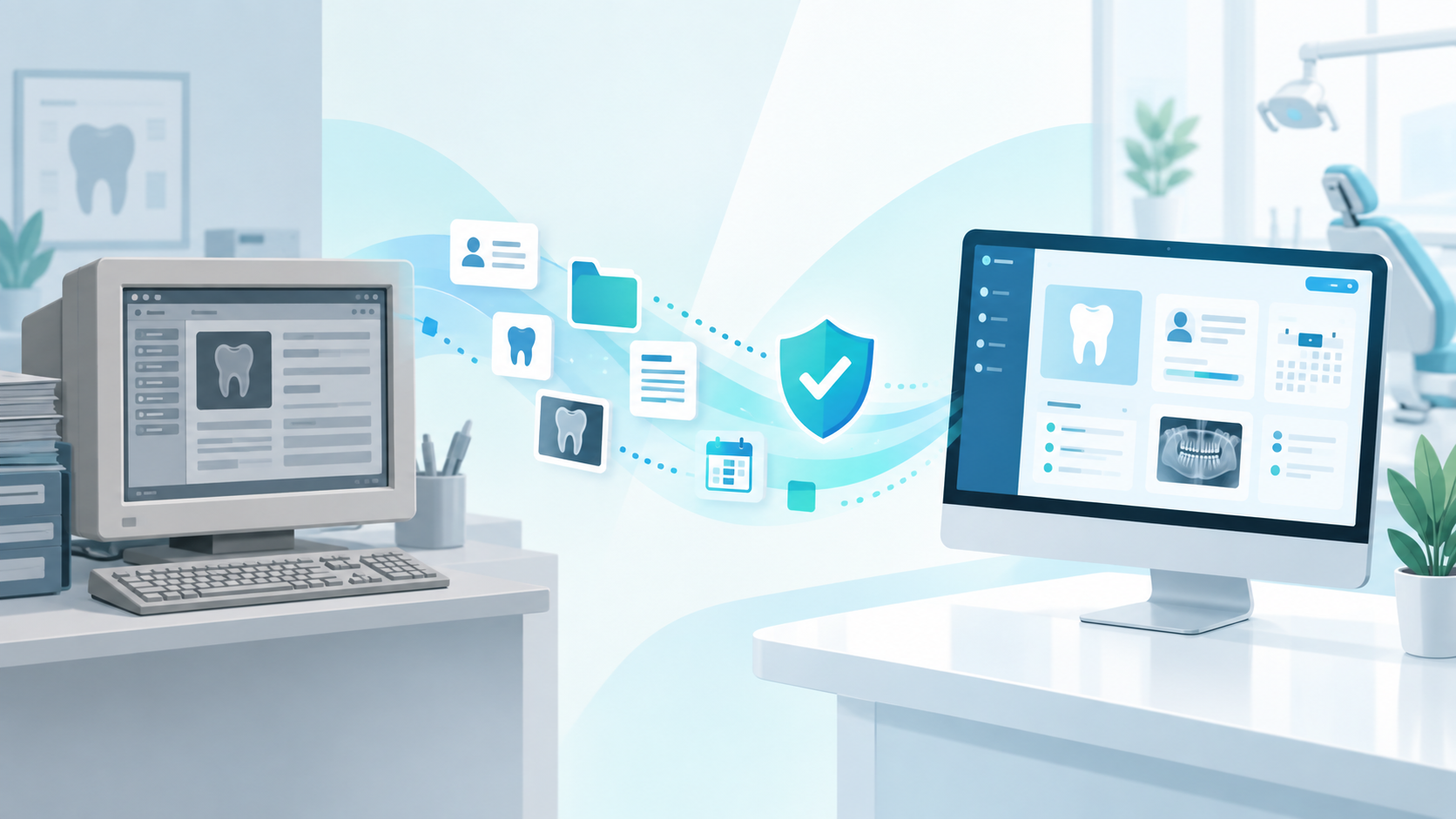
Dental software data migration is the process of moving practice information from an existing dental management system into a new one. For established clinics, it is often one of the biggest reasons they delay changing software, even when their current system is no longer working well for the team.
The concern is understandable.
Years of patient records, account information, appointments, treatment history and other practice data may exist in the current system.
The practice may be thinking:
Will everything transfer?
Will our patient histories still be there?
What will the new system look like on Monday morning?
What happens if something cannot be converted?
Will we lose information?
These are exactly the questions a dental software provider should help answer before the switch begins.
The most important thing to understand is that not every dental software data migration is identical, and not every software provider offers the same level of conversion support.
A responsible migration process should begin with clear expectations rather than promises that everything will transfer perfectly.
What is dental software data migration?
Dental software data migration is the process of extracting data from one dental practice management system, preparing it for conversion and moving compatible information into another system.
Depending on the old software, new software and quality of the existing database, migration may involve information such as:
- Patient demographic information
- Contact information
- Appointment history
- Future appointments
- Patient account information
- Balances
- Treatment history
- Insurance information
- Recall information
- Clinical records
- Treatment plans
- Notes
- Other historical practice information
However, simply because information exists in an old system does not automatically mean it can be converted into an identical field in the new system.
Different dental software products store and structure information differently.
That is why the first stage of a dental software data migration should be understanding what is actually available.
Why dental practices are afraid to change software
For an established clinic, practice management software is not just another application.
It may contain decades of history.
A patient who has been visiting the practice for 20 years may have:
- Previous treatment
- Account activity
- Clinical notes
- Insurance history
- Recall history
- Contact details
- Appointment records
Multiply that by hundreds or thousands of patients and the size of the database becomes significant.
The practice may have outgrown its existing software years ago but continue using it because changing feels more dangerous than staying.
That creates a common situation:
The clinic knows the current system is frustrating, but the fear of migration is stronger than the frustration.
A good dental software data migration process should reduce that fear through preparation and transparency.
Not every software company handles data migration the same way
This is one of the most important questions to investigate when choosing a new dental practice management system.
Some providers have established conversion processes.
Some support only certain source systems.
Some can migrate basic patient information but not more complex historical records.
Some require the clinic to work with another vendor.
Some charge separately for data conversion.
And some may expect the practice to manually recreate information that cannot be imported.
None of those approaches should be discovered after the software contract has already been signed.
Before switching, ask:
Does your company perform the conversion?
Which dental software systems have you converted from previously?
What information normally transfers?
What information may not transfer?
How will you evaluate our current database?
Who verifies the converted information?
Will we have access to historical records that cannot be converted?
What will our team need to do manually?
The quality of the answers matters more than hearing a simple “yes, we migrate data.”
A promise that “everything will transfer” should raise questions
Dental clinics naturally want reassurance.
It can be tempting for a software company to provide it by saying:
“Don’t worry. Everything will move over.”
That sounds comforting.
But data conversion is technical work.
Different databases use different formats, fields, structures and conventions.
Information may also have been entered inconsistently over many years.
A more trustworthy conversation is:
Here is what we expect to convert.
Here is what we need to inspect first.
Here is what may behave differently in the new system.
Here is how we will validate the conversion.
Clear expectations are more useful than false certainty.
What can affect dental software data migration?
Several factors can affect the conversion.
The existing practice management software
Some systems make information easier to extract than others.
The format and accessibility of the source data matters.
The age of the database
Long-established practices may have information created across several versions of their old software.
Data quality
Duplicate patients, inconsistent fields and outdated information can complicate conversion.
Differences between systems
One software platform may contain a field or feature that has no direct equivalent in another.
Customization
The clinic may have created custom categories, reports or workflows that cannot simply be recreated automatically.
Clinical information
Clinical charting and notes can be more complex to migrate than basic demographic information.
This is why a dental software data migration should begin with assessment rather than assumption.
Step 1: Understand what information your practice actually has
Before talking about conversion, understand the source database.
Your practice should know:
- Which system currently holds patient records
- Whether information also exists in separate applications
- Whether spreadsheets are being used
- Whether documents are stored separately
- Whether imaging systems are separate
- Whether patient communication history exists elsewhere
- Whether staff use custom fields or codes
Many dental practices discover during migration planning that their “practice data” is actually spread across several systems.
That discovery is useful.
It gives the clinic an opportunity to decide what truly needs to move.
Step 2: Create a migration inventory
A migration inventory identifies the categories of data important to your practice.
For example:
| Information | Priority |
|---|---|
| Patient demographics | Essential |
| Contact information | Essential |
| Future appointments | Essential |
| Patient balances | Essential |
| Clinical history | Essential |
| Treatment plans | High |
| Recall status | High |
| Insurance information | High |
| Historical appointments | Useful |
| Old reports | Depends on practice |
| Custom fields | Review individually |
Your priorities may differ.
The point is to make them explicit before the conversion starts.
Step 3: Ask the new provider what actually converts
Now compare your migration inventory with the capabilities of the new system.
Do not simply ask:
“Can you migrate our data?”
Ask category by category.
For example:
Will our patient demographic information transfer?
What happens to future appointments?
How are balances handled?
How will existing treatment history appear?
What happens to unscheduled treatment plans?
Will recall dates carry over?
What happens to historical clinical notes?
This gives both parties a much clearer definition of success.
Step 4: Understand the difference between conversion and perfect replication
A migration does not necessarily recreate the old software inside the new software.
And ideally, it should not.
You are switching systems because you want a different system.
That means information may appear differently.
For example:
A field in the old software may map to another part of the new platform.
Historical information may be available in a different view.
Old categories may need to be consolidated.
Some information may be converted as historical reference rather than fully active data.
The objective of dental software data migration should be preserving useful information and continuity, not reproducing every limitation of the old system.
Step 5: Protect patient information during migration
Dental practice databases contain sensitive personal and health information.
That means security should be considered throughout the conversion process.
Canada’s Office of the Privacy Commissioner notes that health information is generally considered sensitive and that safeguards should reflect the sensitivity, amount, format, distribution and risks associated with the information.
Office of the Privacy Commissioner of Canada: Safeguarding personal information
Questions to ask include:
- How will our data be transferred?
- Who will have access during the migration?
- Where will temporary files be stored?
- How will the information be protected?
- What happens to migration files after conversion?
- How are permissions managed?
The exact legal obligations will vary depending on the clinic, province and circumstances, but secure handling should be part of the migration discussion.
Step 6: Clean up where it makes sense, but do not turn migration into a year-long project
Switching systems can create an opportunity to improve data quality.
Perhaps your database contains:
- Duplicate patients
- Outdated phone numbers
- Old staff members
- Obsolete categories
- Inconsistent codes
- Inactive records
Some cleanup can make the new system easier to use.
But be careful.
Trying to perfect decades of data before switching can become another reason the project never happens.
Ask the migration team which cleanup tasks genuinely affect conversion quality and which can happen after implementation.
Step 7: Validate the converted data
Data conversion should include a validation stage.
The new system should not simply appear on go-live morning without anyone reviewing it.
Your team should inspect representative records.
For example:
- A long-standing patient with extensive history
- A new patient
- A patient with an outstanding balance
- A patient with planned treatment
- A patient with future appointments
- A patient in recall
Check whether the information appears as expected.
The objective is not necessarily to inspect every patient manually.
It is to test important scenarios.
Step 8: Know what will remain available from the old system
Some information may not convert cleanly.
That does not necessarily mean it needs to disappear.
Ask whether historical information can remain accessible through:
- An archived version of the previous system
- Read-only data
- Exported records
- Secure historical reports
- Another agreed archive process
The important thing is knowing the answer before go-live.
Step 9: Plan staff training alongside data migration
A successful dental software data migration can still feel unsuccessful if nobody knows how to use the new system.
Remember that staff will see familiar information in an unfamiliar interface.
Someone who knew exactly where to find a patient balance in the previous software may initially struggle in the new platform.
Training should therefore cover real workflows using the converted environment where possible.
Examples include:
Find an existing patient.
Check today’s schedule.
Review a patient balance.
Open a clinical record.
Find treatment history.
Schedule the patient’s next appointment.
Migration and training belong in the same implementation plan.
Step 10: Prepare for the first week
The objective should not be pretending the team will operate at full speed immediately.
Even a smooth transition requires adjustment.
Create a practical first-week plan.
Identify:
- Who staff should contact with questions
- How urgent issues will be handled
- Which employees will act as internal champions
- Which workflows deserve extra support
- How staff will report unexpected conversion issues
A responsive software provider becomes particularly important here.
Why migration support should be part of the software buying decision
Practices often compare:
Features.
Price.
Cloud access.
Analytics.
AI.
Support.
Migration deserves equal attention.
A feature means very little if the practice cannot confidently move into the system.
When evaluating providers, ask about migration before the final purchasing decision.
A strong vendor should be willing to discuss limitations as well as capabilities.
Paradigm’s approach: clear expectations before conversion
At Paradigm, the goal is not to win a clinic by promising that every piece of information from every possible legacy system will convert perfectly.
The goal is to understand the practice’s existing environment and set expectations clearly before migration begins.
That means discussing:
- What system the clinic currently uses
- What information matters most
- What can reasonably be converted
- Where limitations may exist
- What the clinic should expect during onboarding
- How the team will transition into Paradigm
No vague promise that everything will magically appear.
No surprise after the practice has already committed.
Paradigm’s current support information describes structured onboarding with data migration support where applicable, while its website currently lists $0 data conversion cost as part of its pricing proposition.
Explore Paradigm support and onboarding
That combination matters because switching software is not just about receiving a new login.
It is about moving a working dental practice from one environment into another.
Switching dental software should feel planned, not risky
No meaningful technology transition is completely effortless.
But it should be understandable.
The biggest fear around dental software data migration often comes from uncertainty.
Practices do not know:
What will happen?
What will move?
What will change?
A strong migration process replaces that uncertainty with a plan.
The right provider will tell you what it can do, what it needs to investigate and what your team should expect.
That may be less exciting than promising a perfect conversion.
It is much more useful.
Frequently asked questions about dental software data migration
What is dental software data migration?
Dental software data migration is the process of moving compatible patient, clinical, scheduling, financial and practice information from an existing dental management system into a new one.
Will all my dental practice data transfer to new software?
Not necessarily. The amount and type of information that can be converted depends on the old system, new system, database structure and quality of the source data. Ask the new provider to explain exactly what it expects to convert.
How long does dental software data migration take?
The timeline varies depending on the practice, database, source software and complexity of the conversion. Your vendor should provide an implementation timeline after assessing the practice.
Can patient records be lost during migration?
Data migration should include safeguards, backups and validation processes designed to protect information. Practices should ask vendors specifically how information is secured and verified.
Should we clean our database before switching dental software?
Some cleanup may be useful, especially for duplicate or obsolete information, but the migration provider should help identify which cleanup tasks are actually necessary.
What should I ask a dental software vendor about migration?
Ask what information can be converted, what cannot, how the data will be protected, how the conversion is validated, what training is included and what support is available after go-live.