
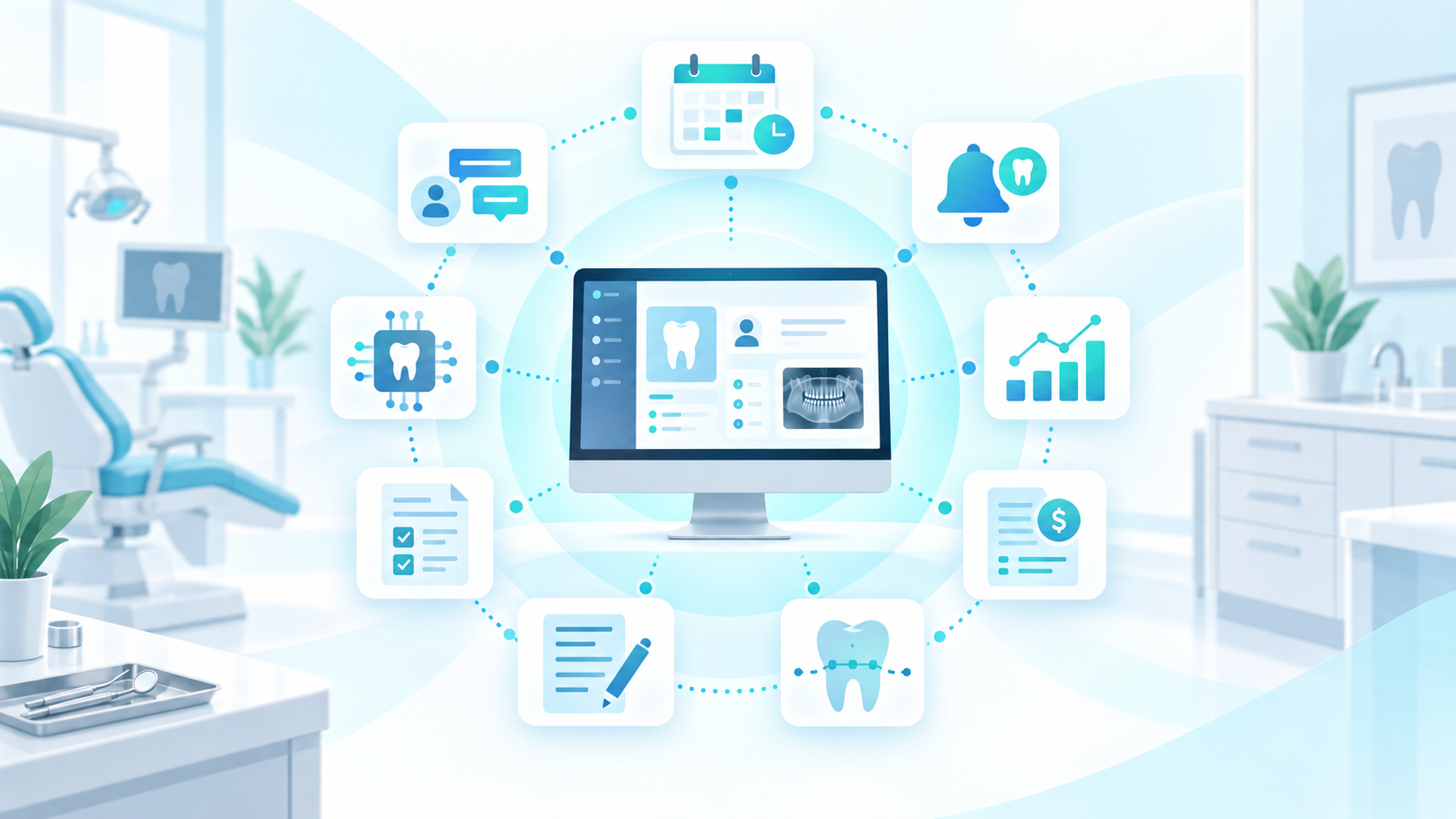
Imagine you were opening a dental clinic today and had no existing technology.
You have one goal:
Build the perfect dental software stack.
You start writing the list.
You need a practice management system.
Scheduling.
Clinical charting.
Treatment planning.
Patient communication.
Recall.
Digital forms.
Analytics.
Reporting.
An AI scribe.
Insurance automation.
Cloud access.
Security.
Support.
Suddenly your “dream stack” looks less like one system and more like a diagram containing ten different software companies.
This raises an important question:
Should the dream dental software stack contain the best separate tool for every task, or should the core practice management platform already provide most of what the clinic needs?
For many practices, the answer comes down to complexity.
What is a dental software stack?
A dental software stack is the collection of technology products a dental practice uses to operate the clinic.
That can include software for:
- Practice management
- Appointment scheduling
- Clinical charting
- Patient records
- Treatment planning
- Billing
- Dental claims
- Patient communication
- Recall
- Digital forms
- Analytics
- Clinical AI
- Administrative AI
- Payments
- Reporting
- Data storage
- Backup and security
The dental software stack can be extremely simple or highly fragmented.
The “dream stack” approach: choose the best tool for everything
Imagine the practice starts with a basic PMS.
Then it shops individually.
Scheduling
Choose the best scheduling platform.
Patient communication
Find a specialized SMS and email system.
Recall
Add dedicated recall software.
Digital forms
Purchase a forms product.
Analytics
Subscribe to an analytics platform.
Clinical AI
Add an AI scribe.
Insurance automation
Add another AI platform.
Reporting
Maybe the analytics system covers it. Maybe not.
Individually, the clinic has selected excellent technology.
The dream looks complete.
Until implementation begins.
Now connect everything
The scheduling tool needs access to patient information.
The communication system needs appointment information.
Recall needs patient status.
Analytics needs practice data.
The AI scribe needs clinical context.
Insurance automation needs financial information.
Forms need to write data back into the patient record.
Now the clinic does not simply have a dental software stack.
It has an integration project.
The hidden work behind the dream stack
Every additional application can add:
- Another vendor relationship
- Another contract
- Another monthly bill
- Another user account
- Another privacy review
- Another training process
- Another support team
- Another integration
- Another potential point of failure
This is the part of software purchasing that feature comparison sheets rarely show.
Tool 1: Practice management software
The PMS remains the centre of the stack.
It contains the patient record and often supports:
Scheduling.
Billing.
Clinical information.
Accounts.
This should ideally be the source of truth for core practice information.
If the PMS cannot support enough workflows, the rest of the dental software stack begins growing around it.
Tool 2: Scheduling software
Do you need separate scheduling software?
Perhaps.
But ask why.
If the PMS appointment book already handles:
- Multiple providers
- Appointment movement
- Availability
- Cancellations
- Patient information
- Scheduling workflows
then a second scheduling system may solve a problem that should have been addressed by choosing a stronger PMS.
Tool 3: Patient communication
SMS and email are core dental workflows.
The practice may need:
- Appointment confirmations
- Reminders
- Recall communication
- Patient messages
A separate communication platform can offer powerful functionality.
But it also needs accurate patient and appointment information.
If communication exists directly inside the dental practice management system, the workflow can become simpler.
Tool 4: Recall software
Recall is one of the most important ongoing workflows in many dental practices.
A specialized recall system might provide automation and campaign features.
But recall already depends heavily on PMS information.
Who is due?
Who is overdue?
Who has an appointment?
Who has already been contacted?
When recall is native to the patient record, fewer data connections are required.
Tool 5: Digital forms
Digital forms are another common addition.
The patient completes information online.
Then someone needs that information inside the practice management system.
An integrated forms workflow can reduce manual re-entry.
That means fewer opportunities for information to become disconnected.
Tool 6: Dental analytics
Analytics has become increasingly important for owners and office managers.
The practice may want to understand:
- Schedule utilization
- Patient trends
- Recall
- Treatment plans
- Production
- Procedures
- Revenue cycle activity
A third-party analytics platform can analyze data from the PMS.
But this introduces another data layer.
If analytics is built into the practice management environment, it can operate closer to the original practice information.
Tool 7: Predictive AI analytics
Now take analytics a step further.
Instead of asking the office manager to review every metric, predictive analytics can help highlight areas that may deserve attention.
This adds another question to the dental software stack:
Do we need a separate AI analytics application?
Or should intelligent analytics be part of the PMS?
Tool 8: AI clinical documentation
AI scribes are another rapidly growing category.
They can reduce the manual documentation burden for clinicians.
But a standalone AI tool may require:
Patient selection.
Separate login.
Recording.
Note generation.
Review.
Then transferring information back into the clinical record.
A more integrated AI clinical workflow can keep documentation closer to charting and the patient record.
Tool 9: Insurance automation
The front desk may also want to automate repetitive insurance work.
Now the dental software stack includes another AI platform.
Again, the product may be valuable.
But insurance payment posting ultimately affects information already maintained inside the practice management system.
The tighter that connection, the simpler the workflow can become.
Tool 10: Reporting
Finally, management needs reporting.
But by this point, information exists across several systems.
Which report is correct?
PMS reporting?
Communication reporting?
Recall reporting?
Third-party analytics?
Insurance automation reporting?
The dream stack has generated plenty of data.
Understanding it may now require another dashboard.
The real dream stack should minimize handoffs
The objective of a dental software stack should not be owning the most software.
It should be creating the fewest unnecessary steps between:
Patient needs care → Practice delivers care → Information is recorded → Follow-up happens → Management understands performance
Every manual handoff creates work.
Every system handoff creates dependency.
The best stack minimizes both.
What the fragmented dream stack can look like
| Need | Separate-stack approach |
|---|---|
| PMS | Core dental software |
| Scheduling | Scheduling tool |
| Communication | SMS/email platform |
| Recall | Recall automation tool |
| Forms | Digital forms provider |
| Analytics | BI/analytics platform |
| AI notes | AI scribe |
| Insurance automation | AI insurance tool |
| Reporting | PMS + external dashboards |
| Support | Multiple vendors |
At first glance, it looks powerful.
Operationally, the office manager may now be responsible for maintaining the relationships among all of them.
The privacy dimension of a large dental software stack
Every third-party application handling patient information deserves evaluation.
The Office of the Privacy Commissioner’s current guidance recommends assessing service providers’ security practices, subcontractors, data locations, incident processes and use of personal information when adopting third-party technology.
Office of the Privacy Commissioner: Third-party provider guidance
A ten-product stack can therefore create ten different relationships to understand.
Simplification can have governance benefits as well as workflow benefits.
The interoperability dimension
Connected health technology is increasingly viewed as preferable to isolated data silos.
Canada Health Infoway explains that interoperable systems support more seamless information exchange and can reduce inefficiency and redundancy across digital health environments.
Canada Health Infoway: Digital health standards
For a dental clinic, one of the simplest ways to reduce interoperability problems is to keep more core workflows within the same environment in the first place.
What would a simpler dream dental software stack look like?
Instead of:
PMS + 8 supporting products
consider:
Comprehensive PMS + specialized tools only where genuinely necessary
The core system could handle:
- Scheduling
- Charting
- Treatment planning
- Billing
- Claims
- Communication
- Recall
- Forms
- Reporting
- Analytics
- AI functionality
Third-party products then become intentional additions instead of mandatory patches.
The difference is architectural
In the fragmented model:
PMS at the centre + integrations around it
In the integrated model:
One platform containing most core workflows
Both can work.
But they produce different operational environments.
The fragmented model prioritizes maximum choice.
The integrated model prioritizes simplicity and workflow continuity.
Think about the front desk, not just the feature list
When evaluating a dental software stack, imagine the employee using it.
A patient calls.
The receptionist needs to:
Find the patient.
Review the appointment.
Check their history.
Answer a question.
Send a message.
Perhaps check recall.
Perhaps review an account.
How many applications should that require?
The fewer unnecessary transitions, the easier the workflow.
Think about the clinician
The dentist needs to:
Review the patient.
Chart.
Plan treatment.
Write notes.
Possibly use AI documentation.
Ideally, these activities feel like one clinical workflow.
Not five separate products.
Think about the office manager
The office manager needs to understand:
Scheduling.
Patients.
Treatment.
Production.
Revenue cycle.
Practice performance.
A fragmented stack may provide very sophisticated reports from each individual application.
A connected platform can provide something more important:
context.
Paradigm’s version of the dental software stack
Paradigm’s current product architecture is explicitly built around consolidating core dental workflows.
The platform includes scheduling, charting, perio and odontogram capabilities, billing and claims, patient communication, recalls, digital forms, reporting, predictive analytics, AI tools, cloud access and security capabilities.
See the Paradigm product suite
That changes the dream dental software stack from:
PMS + scheduling tool + communication tool + recall tool + forms platform + analytics tool + AI platform + insurance application
toward:
Paradigm + only the specialized external tools your practice genuinely needs.
Predictive analytics without another analytics platform
Paradigm’s predictive analytics is built into the PMS environment rather than added as a separate analytics product.
Management can evaluate practice performance without making a third-party BI platform a prerequisite.
Clinical AI without another disconnected workflow
Paradigm’s product roadmap and current product suite also integrate AI into clinical workflows, including assistive AI capabilities and AI-powered clinical documentation tools.
That allows AI to support the clinical workflow instead of becoming another application the clinician needs to operate separately.
Insurance automation closer to the practice workflow
Paradigm’s AI insurance capabilities are designed around automating repetitive insurance payment posting.
Again, the principle is not simply:
“We have AI.”
It is:
“Can AI remove work from a workflow the practice already performs?”
One support relationship matters too
The software stack is not only about technology.
It is also about who helps when the technology is confusing.
Paradigm’s support model currently emphasizes unlimited support, a Canadian team and guidance around clinic workflows rather than only basic product troubleshooting.
That becomes especially valuable when several important workflows sit inside the same system.
The dream dental software stack is not the one with the most tools
It is the one employees barely need to think about.
The front desk should not spend the morning managing integrations.
Dentists should not move between applications to finish one patient record.
Office managers should not build reporting spreadsheets because every platform tells a different story.
Technology should disappear into the workflow.
That may require several specialized products for some practices.
For others, a comprehensive PMS can dramatically simplify the stack.
The real dream is not:
“We use the best software in every category.”
It is:
“Our software works together so well that the team can focus on running the clinic.”
Frequently asked questions about the dental software stack
What is a dental software stack?
A dental software stack is the collection of applications and technology a dental clinic uses for practice management, scheduling, clinical workflows, communication, insurance, analytics and other activities.
How many software products should a dental practice use?
There is no ideal number. Practices should use enough technology to support their workflows without introducing unnecessary complexity.
Should dental practices use separate tools or an all-in-one PMS?
Both models can work. Separate tools can provide specialized capabilities, while a comprehensive PMS can reduce integrations, training and vendor management.
What should be included in a dental practice management system?
Core functionality may include scheduling, charting, treatment planning, billing, insurance workflows, patient communication, recall, reporting and analytics.
What are the downsides of a large dental software stack?
Potential downsides include subscription costs, integration complexity, training, fragmented data, additional privacy relationships and more complicated technical support.
How can a dental practice simplify its technology stack?
Start by identifying which external tools duplicate capabilities already available in the core PMS. Consolidate workflows where doing so does not sacrifice important functionality.